Photography Lessons for Parents in Toronto
Learn to take photos of your kids that you’ll actually want to print, in a private lesson at home or in a small group.
Kids won’t wait while you hunt for the right setting
What you’ll be ready for
Kids on the move
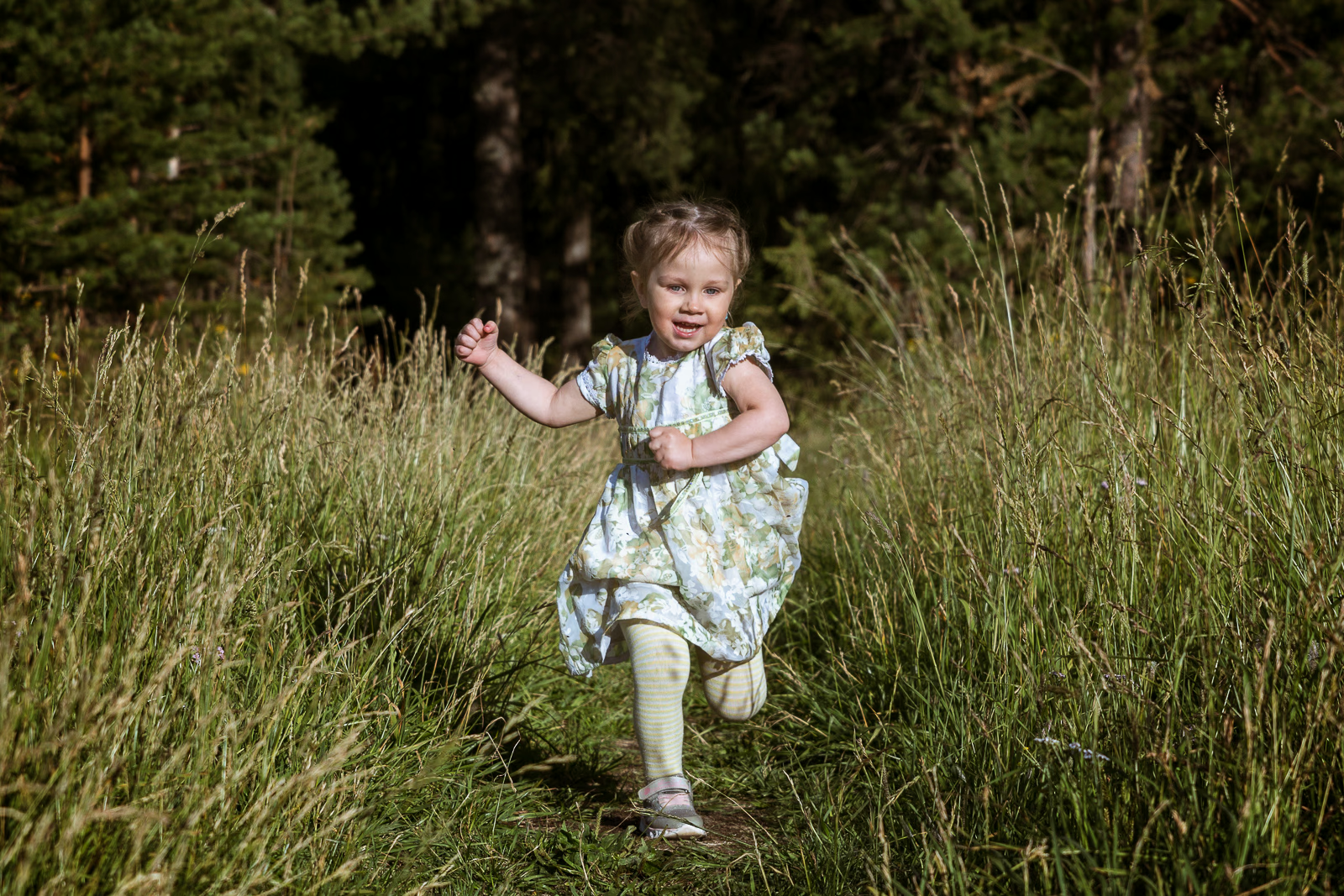
Kids move fast and rarely in a straight line, so photos of them running often come out blurry. I’ll show you the settings that freeze motion and keep focus on your kid, not the tree behind them.
What we’ll cover: shutter speed, tracking autofocus, focus areas, and burst mode
Indoors and low light
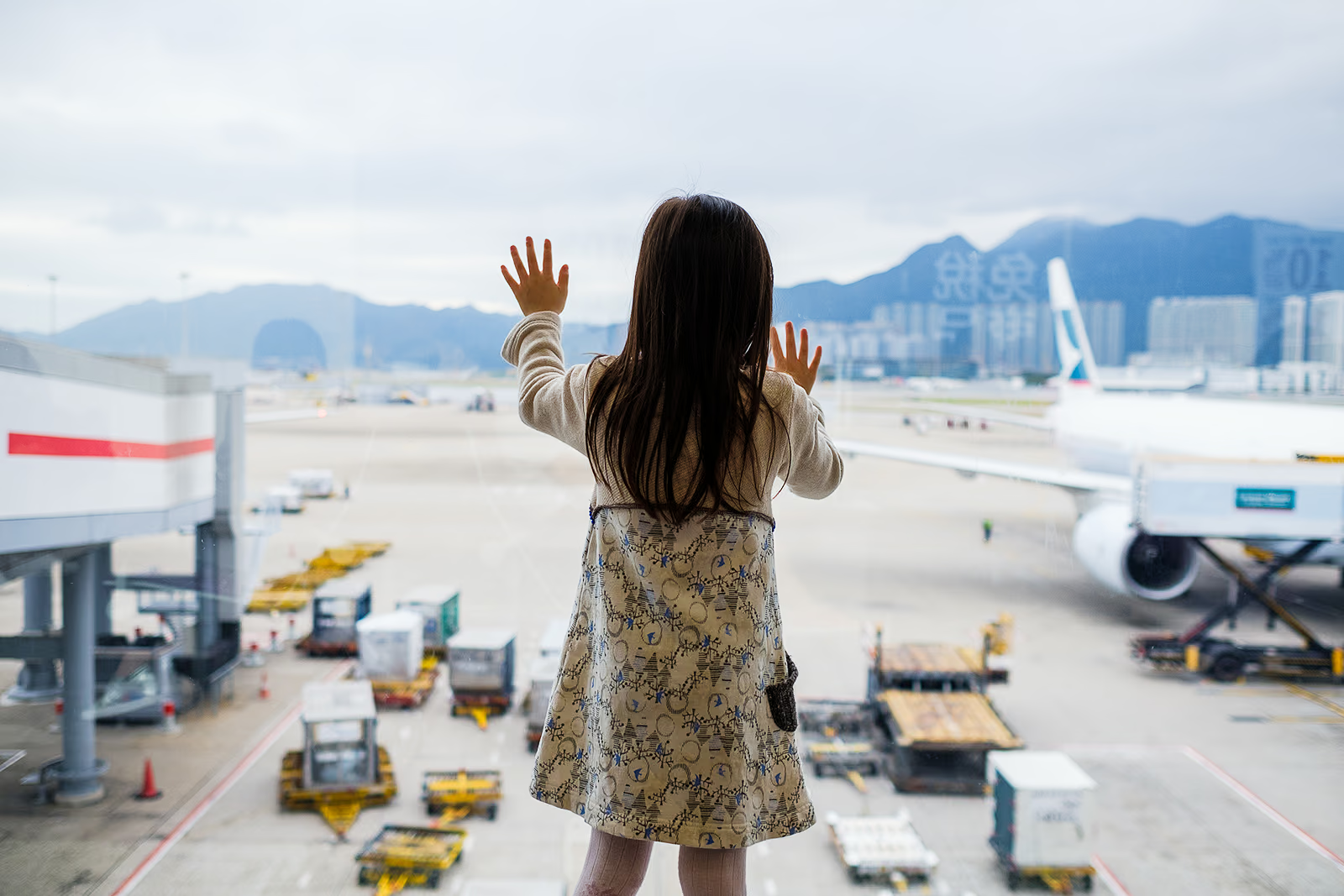
Most photos of kids are taken indoors, where there’s much less light than it seems. You’ll learn how to use window light, how high you can push your camera’s ISO, and why the pop-up flash usually makes things worse.
What we’ll cover: ISO, aperture, window light, and white balance
Sports, dance, and recitals
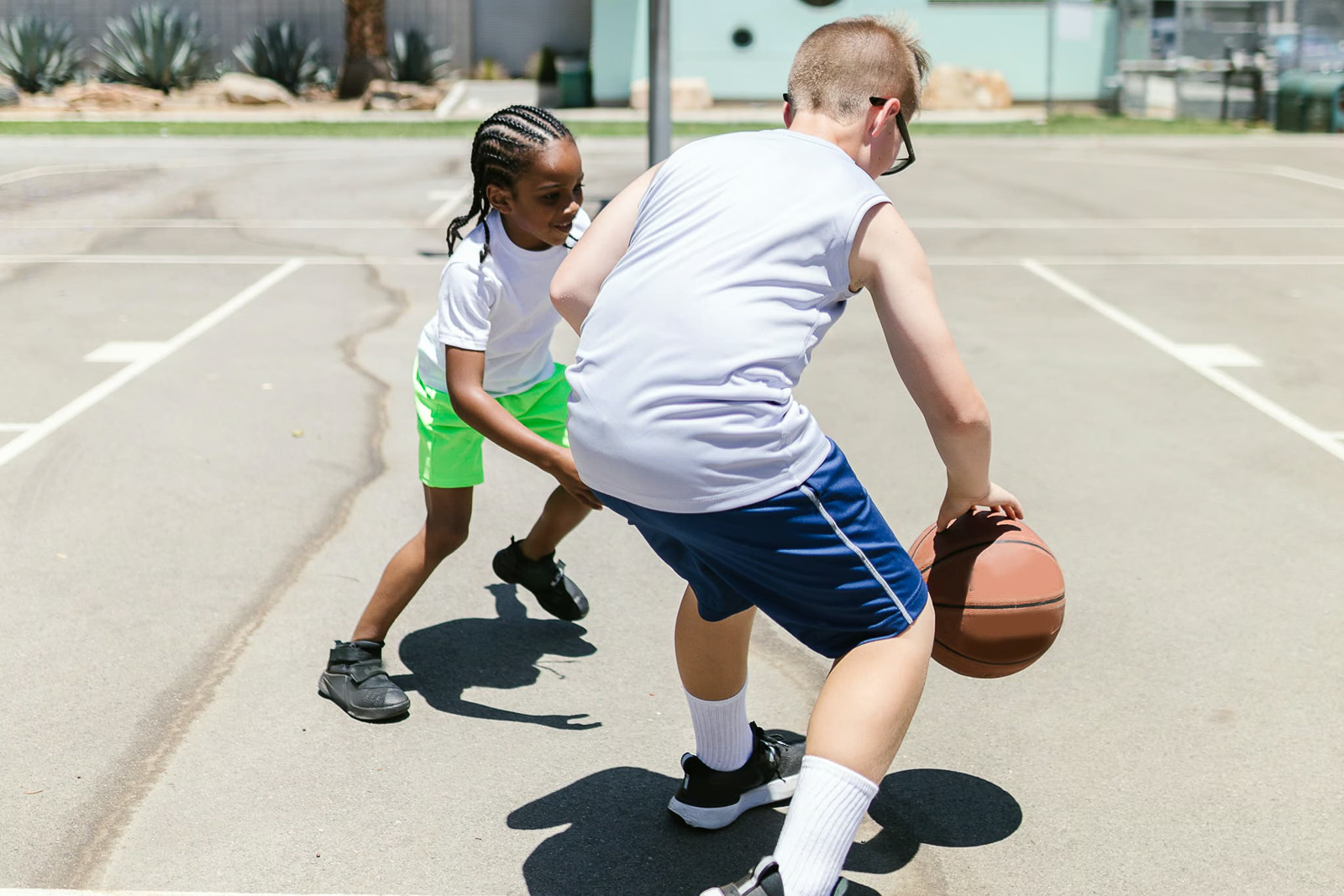
At games and recitals, you’re usually far from the action and can’t use flash. You’ll learn how to get sharp, well-exposed photos from your seat.
What we’ll cover: fast shutter speeds, continuous autofocus, zooming in, and shooting under arena and stage lights
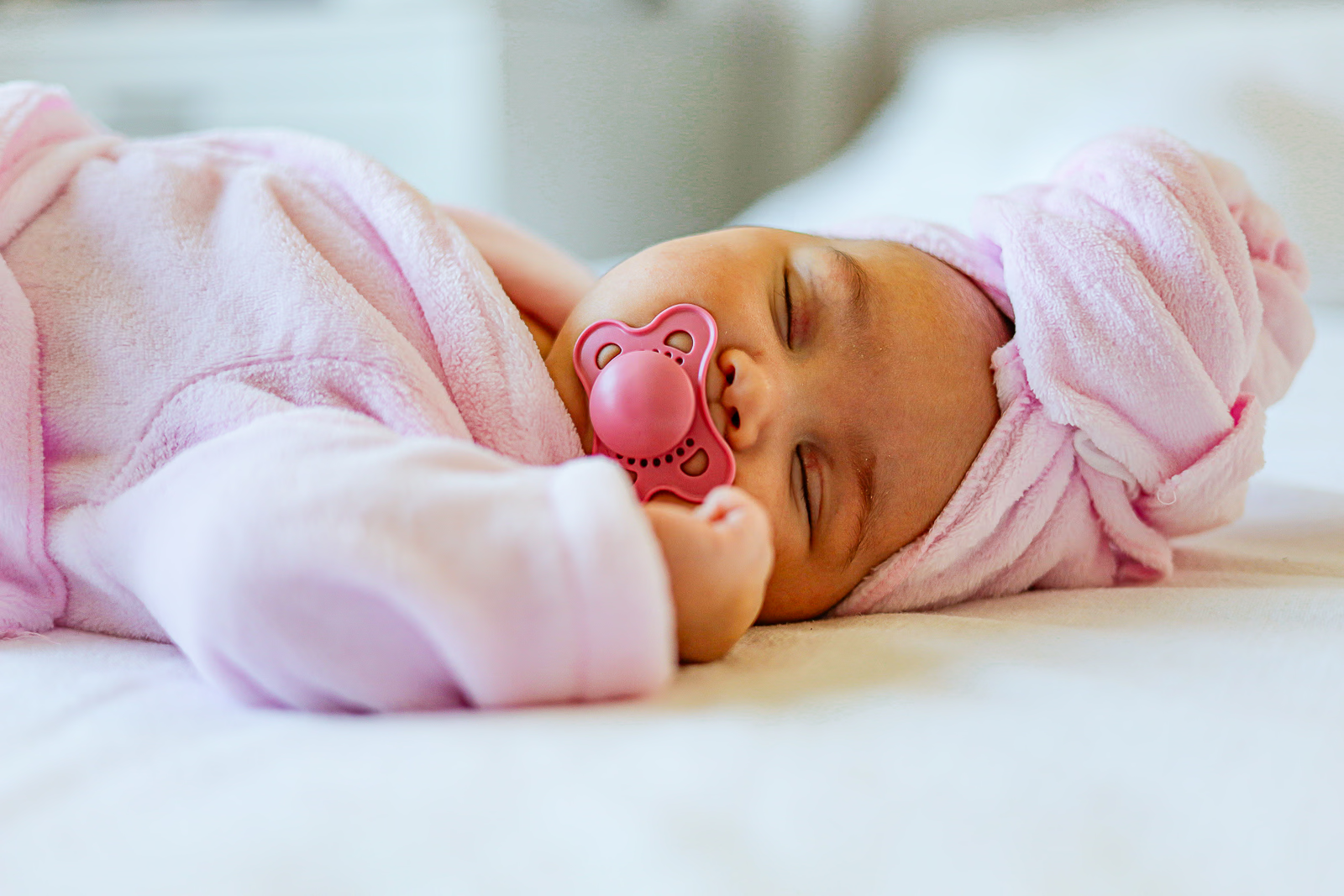
The baby years
Babies don’t move much, but they’re tricky in other ways: dim rooms, close distances, and light that turns skin orange or grey. You’ll learn how to handle all three.
What we’ll cover: close-up focusing, soft light, white balance, and shooting quietly
How home lessons work
Pick a time that works
Book around naps, school pickup, or bedtime. Lessons happen anywhere in Toronto, including your home, and travel within the city is included.
Learn with your own kids
We start with camera basics, then practise with your kids at home. If they’re napping or at school, we’ll practise on whatever’s around.
Practise between sessions
Shoot a little every day between sessions, then bring your best and worst photos to the next one, and we’ll go through them together.
Gear that helps (and what to skip)
- Skip the kit lens. The zoom that comes bundled with most cameras is an afterthought. It lets in very little light, especially when zoomed in, so the camera compensates with a high ISO or a slow shutter speed, and you get grainy or blurry photos. Your camera is capable of much more than that lens lets it show.
- A fast zoom lens. A zoom with a constant f/2.8 aperture, like a 24-70mm f/2.8 (or a 16-55mm f/2.8 on smaller sensors), lets in plenty of light at every focal length. It costs more than a prime, but you keep the flexibility of a zoom without the downsides of a kit lens.
- A fast prime lens. A 35mm or 50mm f/1.8 lens is one of the cheapest upgrades you can make. It lets in far more light than a kit zoom, which means sharper photos indoors and softer backgrounds.
- Silent shutter. Most mirrorless cameras have one. It’s useful around sleeping babies, and kids act more naturally when they can’t hear the camera. Turn it off for fast action, where it can distort movement.
- Skip the pop-up flash. It flattens faces, causes red eye, and warns everyone a photo is coming. Window light almost always looks better.
- Memory cards and backups. You’ll shoot more than you think. Use a reliable name-brand card, and back up your photos every week, so years of memories don’t live on one memory card.
- A comfortable strap. If your camera lives in a drawer, you won’t use it. A sling strap keeps it at your hip and ready to shoot.
- Your phone counts too. Many of the same ideas work on a phone. If that’s what you’ll actually carry, the iPhone Photography Course is a good place to start.
Choose how you’ll learn
Private Accelerator
3-Hour Private Lesson
Group Accelerator
FAQs for parents
Yes. Private lessons can take place anywhere in Toronto, including your home, and travel within the City of Toronto is included.
It helps, but it’s not required. Practising with your kids is the most realistic, but we can plan around naps and school and practise on whatever’s around.
Not to start. Any digital camera with manual mode works for lessons, and you can take good photos with basic gear. That said, better gear does help, especially with kids. A camera with faster autofocus and better low-light performance, paired with a fast prime or f/2.8 zoom, costs more than a kit setup, but it makes shooting easier and your results more consistent, especially under challenging conditions. Bring what you have, and we’ll talk about whether anything is worth upgrading.
If you already know the basics, a 3-hour private lesson is often enough to get comfortable photographing your kids. Starting from scratch? The Private Accelerator or the group Accelerator gives you time to build each skill step by step.
Yes. Private lessons and the Private Accelerator are for 1 or 2 participants at the same price, so you can both learn together.
Yes. Lessons go at your own pace, and we can meet at your home or wherever the grandkids are.
The group Accelerator runs on set weekends with up to six students and spends most of its time outdoors. Private lessons happen on your schedule, wherever suits you, which is usually easier with young kids at home.
Yes. Take the iPhone Photography Course.
Yes. Book a 1-hour private video session for Lightroom editing and a review of your photos.
What students say


Ready for better photos of your kids?